Every tool your design & sales team needs.
Ten purpose-built AI tools. 60+ curated styles. Your brand. Your data, isolated. Your team, 10× faster.
Each tool, what it does, who uses it.
Drag any slider to see before & after. Every example below is a real Lumio render.


Re-imagine any room, in 20+ interior styles.
Drop a client photo. Pick a style and palette. Lumio renders a photorealistic version of their room — keeping ceilings, windows, and proportions intact.
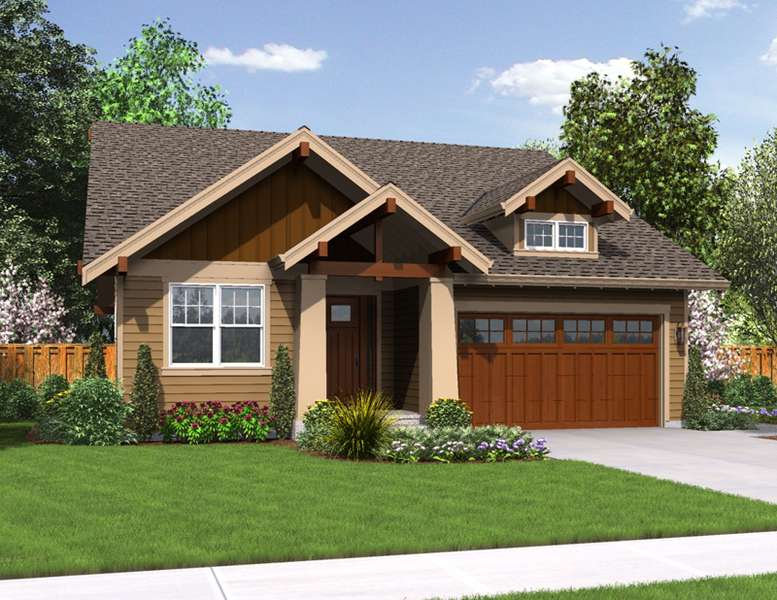

Façades, siding, landscaping — rendered live.
14 exterior architectural styles. Swap siding, paint, roof, landscaping, hardscape. Lumio respects neighbors, sky, and natural light.


Try every wall color before opening a can.
Full-room repaints in 30 seconds. Preserves trim, ceiling, cabinetry. Hex / Pantone / Sherwin-Williams color codes accepted.


Hardwood, tile, LVP, carpet — same room, every option.
Plank width, grain, tile pattern, and grout all controllable. Perfect for showroom kiosks and client proposals.


Swap a sofa, vanity, dining table, cabinet — in plain text.
Type the swap (“Replace the island with a navy shaker, brass pulls”). Lumio rebuilds shadows, reflections, and surrounding context.

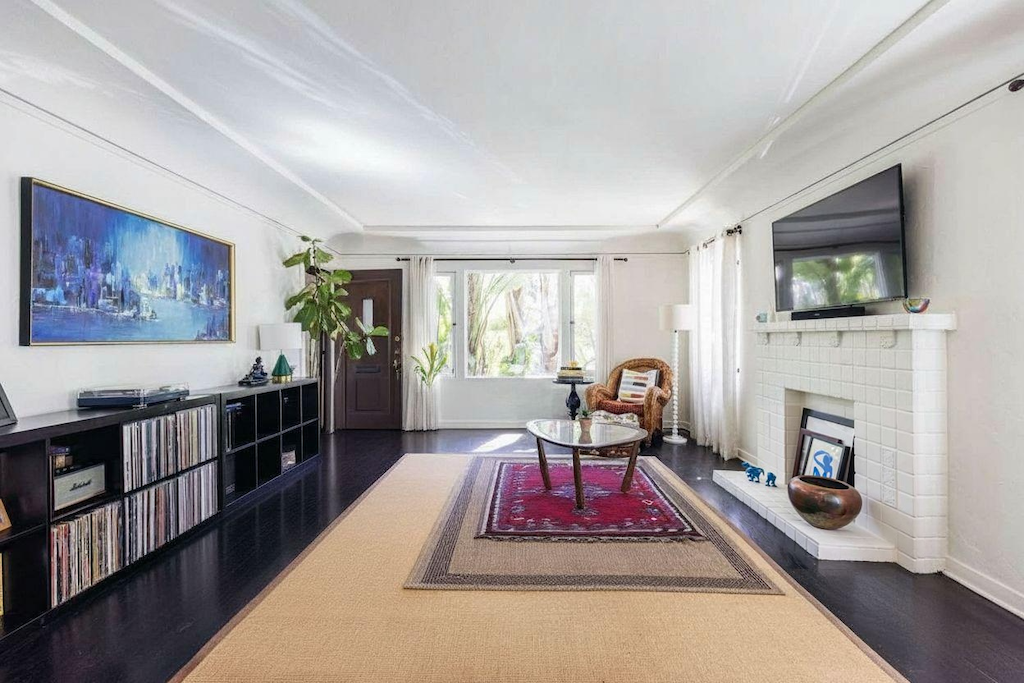
Strip clutter, prior-tenant furniture, signage.
Marquee or text-prompt the removal. Lumio fills in the wall, floor, and lighting as if it was never there.


Furnished room → bare-floor empty render.
Perfect for scoping rip-and-replace jobs. Lumio renders the room as if every piece of furniture was removed.


Empty room → fully styled, in any aesthetic.
Picks furniture, decor, lighting, and art. Twenty curated aesthetics, fully controllable.
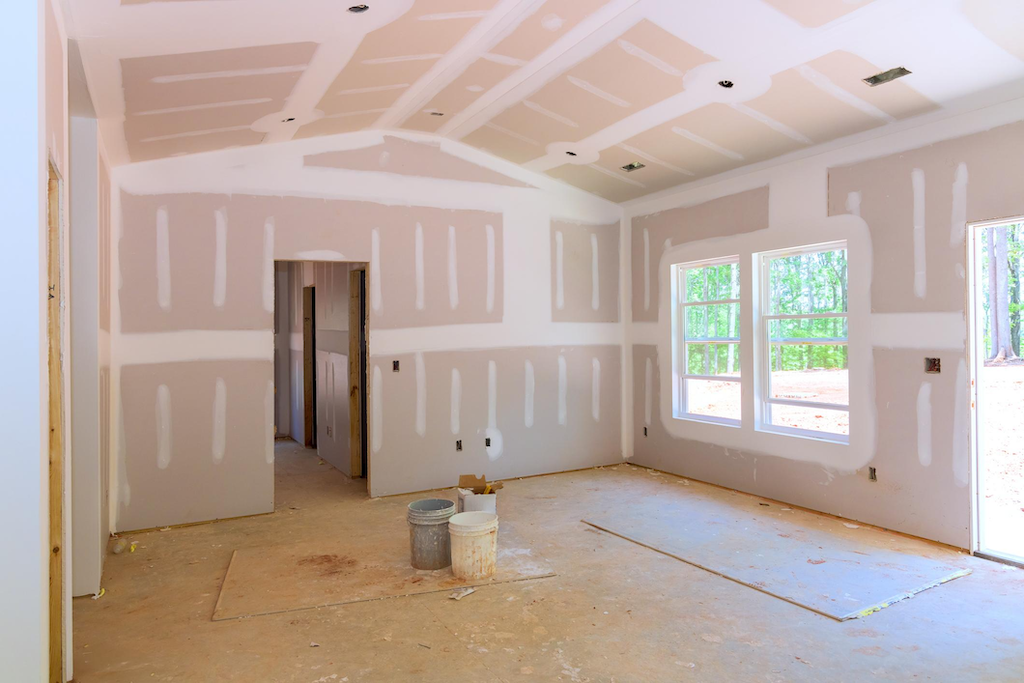
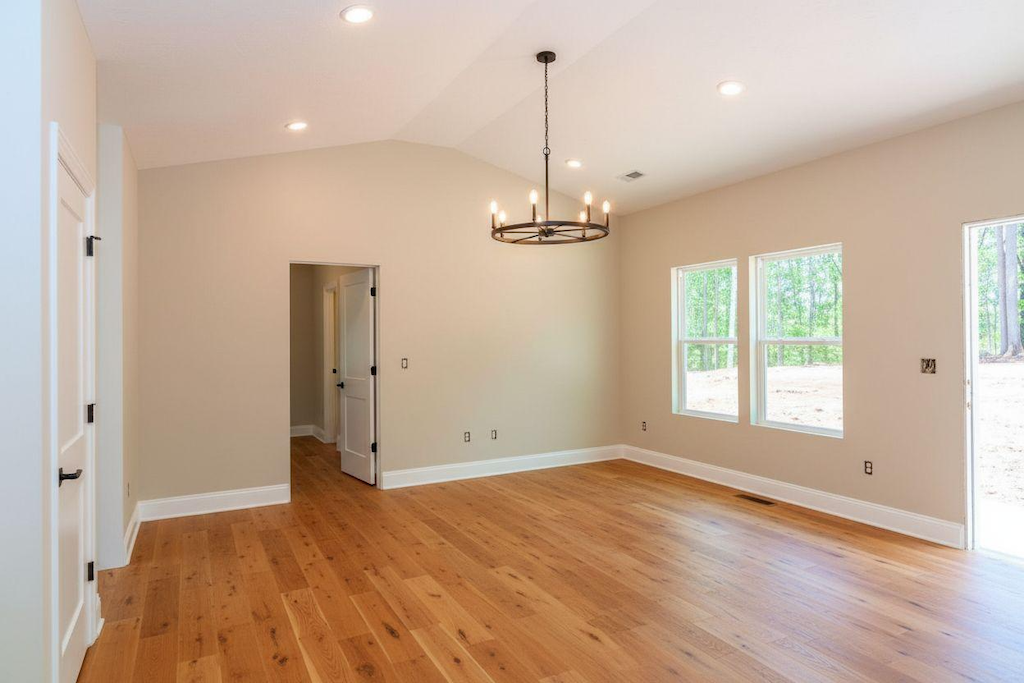
Raw construction → finished interior.
Drywall, framing, sub-floor → rendered as the finished room. Critical for pre-sale upgrades and change orders.


Browse 60+ pre-rendered style references.
Curated library of every space × style combination. Use to pre-qualify the look before rendering the client’s actual room.
What changes when Lumio replaces
your current rendering workflow.
Plays nice with your stack.
Render output drops straight into the tools your team already uses for proposals, contracts, and project management.
Proposal docs
Auto-attach renders to PDFs & proposals in PandaDoc, DocuSign, HubSpot Sales.
Project mgmt
Push approved renders to Asana, Trello, Monday, Jobber, ServiceTitan as task attachments.
CRM
Salesforce + HubSpot record sync. Renders attach to the lead, then the deal, then the job.
Cloud storage
Per-firm GCS bucket. Optional Dropbox, Google Drive, OneDrive sync.
SSO
Okta, Azure AD, Google Workspace SAML. SCIM provisioning on request.
API
REST endpoints for bulk render, webhook callbacks when jobs complete.
See it on a render from your own job site.
Email us one photo from a real project. We’ll send back three Lumio renders within 24 hours — no call needed.